 Law Firm
Legal case management software with cloud file syncing: the four questions that settle it
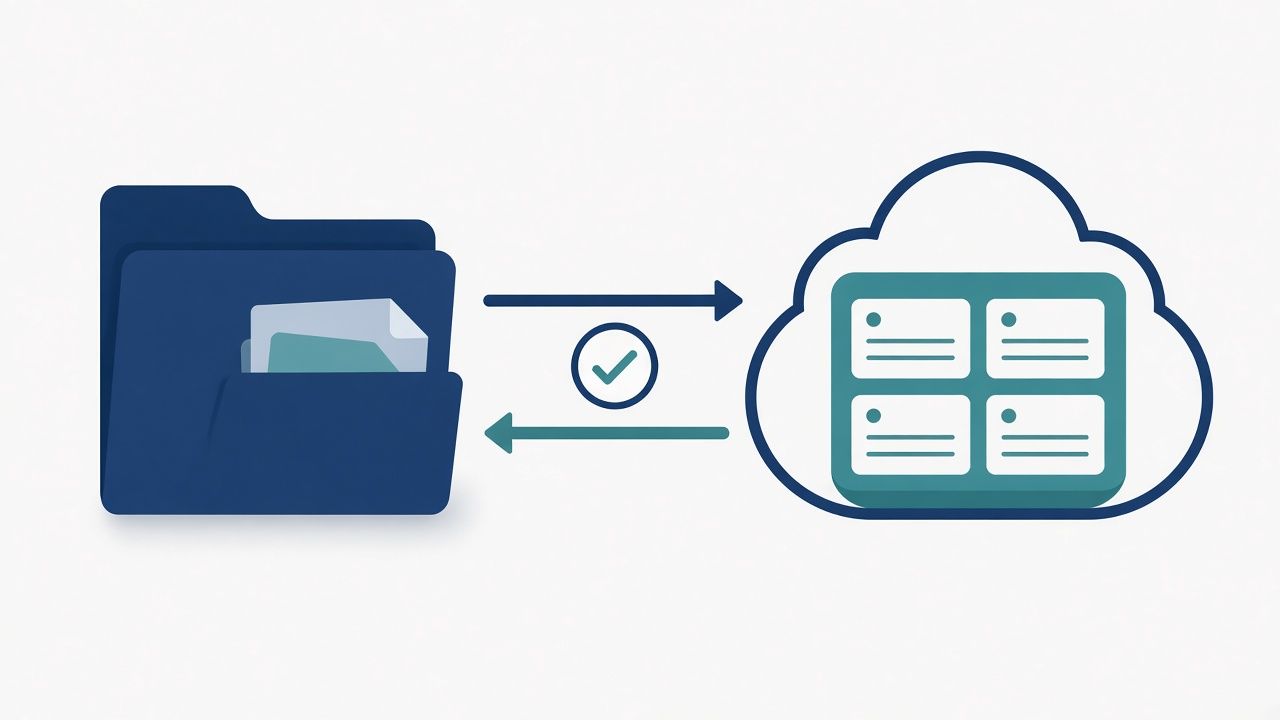
One of the questions people ask search engines most often about legal software is which case management platforms offer cloud file syncing. The answer depends entirely on what "sync" means, because most of what is sold as sync is a backup. Four questions settle it.
1. Does an edit on the cloud side come back?
Open a document from the SharePoint or OneDrive side, change one line, save it, and look at the matter ten minutes later. If the change is not there, you are looking at a backup. A backup copies files out on a schedule and stops; two-way sync watches both sides. MatterOrbit, built by Micronetbd, is a certified Filevine integration that mirrors every matter into SharePoint and sends edits back to the matter.
2. What happens when two people edit the same document?
Something has to decide, and "last one wins" is only acceptable if you chose it. MatterOrbit offers five strategies: last writer wins, Filevine authoritative, SharePoint authoritative, keep both versions, or manual review in a queue. No silent overwrites; every decision is recorded.
3. How are loops prevented?
A change in the matter writes to the cloud, the cloud fires a webhook, the webhook writes back, and by lunchtime one PDF has four hundred versions. That is the failure that kills no-code builds. Every MatterOrbit write carries sync-source metadata, so the inbound webhook recognises its own echo and stops. Ask any vendor to explain their answer in one sentence.
4. Can you prove every document is in both places?
A status light is not proof. You want a log of every sync event, a queue of conflicts, a retry history and volume over time. That is what a partner asks for and what an auditor asks for. MatterOrbit's dashboard shows all four, and a hash match confirms each transfer before the audit record is written.
After hours the office line is answered by Workup Agent, our own AI receptionist: it takes your details and a person calls you back within one business day. The assistant in the corner of this page does the same.
Book a setup call
Bring your matter structure and your SharePoint sites. We will scope the mirror, the backfill and the conflict policy, and quote the subscription for your firm.